Batch TU Downloader Script for Xbox 360 Aurora
Recently, I found my old Xbox 360 that had been sitting unused for years.
After powering it on again, I decided to refresh the system, install the latest version of Aurora Dashboard, and organize a large collection of games.
However, I quickly noticed one annoying thing:
Managing Title Updates (TU) was not very convenient.
When there are only a few games, manually downloading TU files is not a big problem. But after installing many games, checking each game’s Title ID, Media ID, finding the correct TU, and installing them one by one becomes a time-consuming task.
So I wrote a simple Aurora Script to automate this process.
The script currently provides:
- Automatically scan games registered in Aurora
- Query available Title Updates from XboxUnity
- Download the latest compatible TU
- Update Aurora Title Update records
To use it, simply copy the script into the Aurora Scripts directory and run it from Aurora.
The project is available on GitHub:
https://github.com/lihaifeng-dev/Aurora-Batch-TU-Downloader
Screenshots:
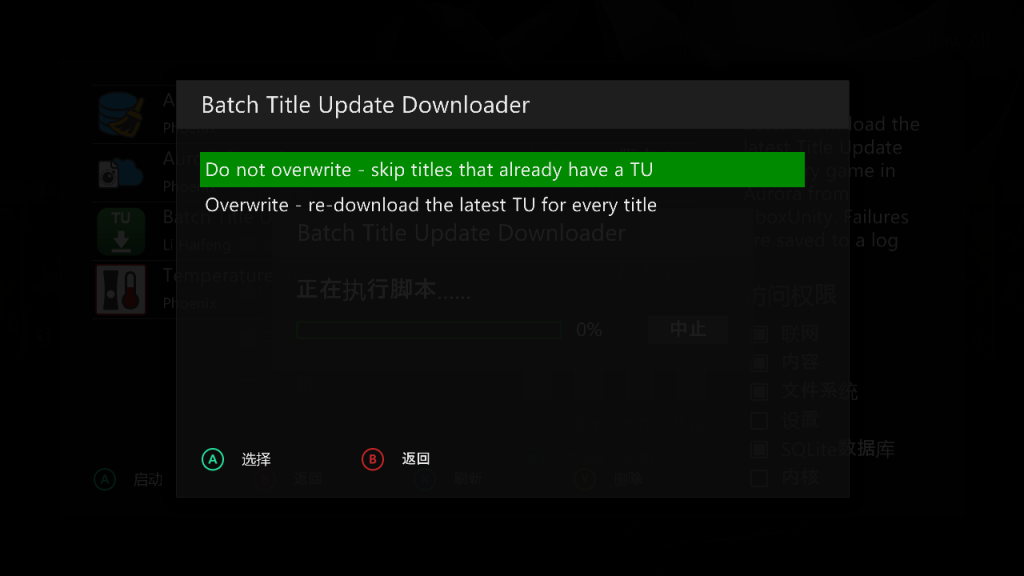
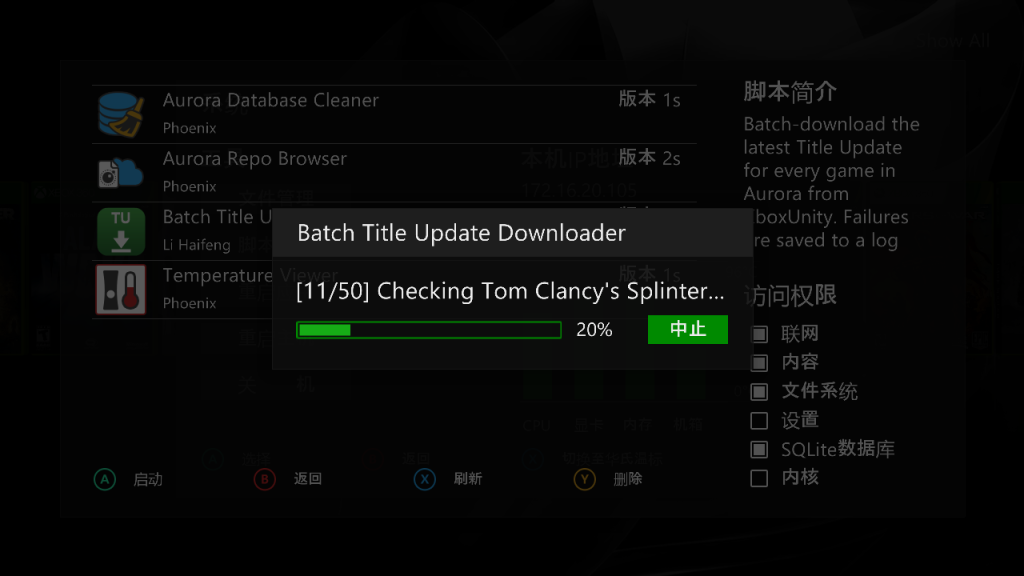
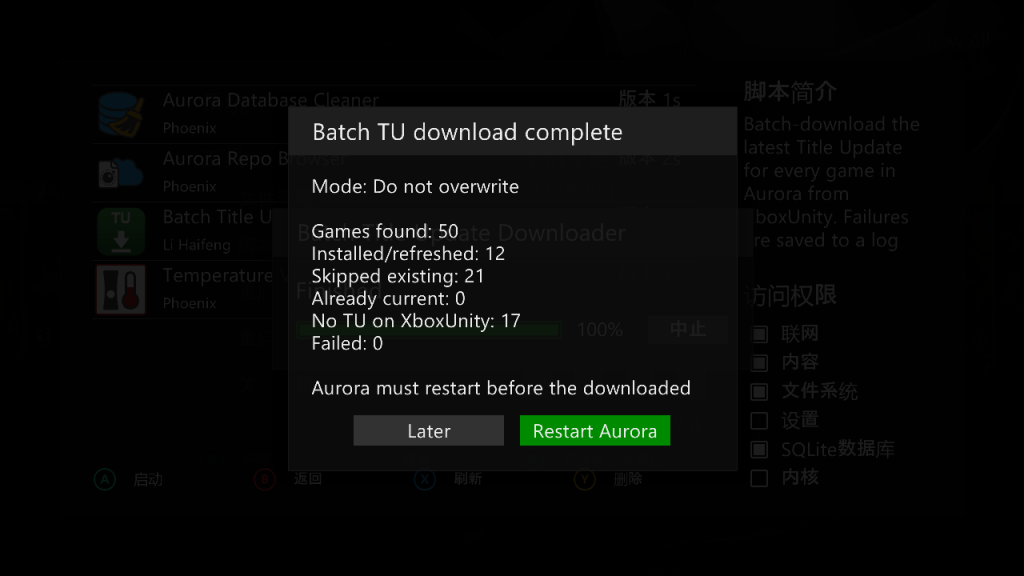
Although Xbox 360 is an old console today, with tools like RGH/JTAG and Aurora Dashboard, it is still a great platform for retro gaming.
This small project was mainly created to make my own game library maintenance easier, and I decided to share it in case it helps other Xbox 360 users.
Recent Comments